
Download Flame Keyboard – Android keyboard, custom keyboard, stylish keyboard, emoji keyboard, messaging app keyboard, free keyboard for Android
Overview
Flame Keyboard is a free desktop application designed for Android users seeking a visually distinctive and customizable typing experience. Developed by AmericanKeyboardThemes, the software aims to enhance text input through a unique and stylish interface. It is intended for individuals who wish to personalize the appearance of their device’s keyboard without compromising functionality.
The app supports a wide range of messaging platforms, including WhatsApp, Facebook Messenger, and Instagram, making it suitable for daily communication needs. Its design is optimized for various screen sizes, ensuring consistent performance across different Android devices. The keyboard includes a built-in auto-correct feature to assist users in maintaining accuracy during text entry.
While the software is marketed as compatible with both Android and iPhone devices, the provided information confirms its deployment on Android platforms. The developer emphasizes safety and performance, stating that the app is free of ads and malware. It is regularly updated to maintain compatibility and introduce new features.
Users can expect a lightweight and responsive tool that enhances the aesthetic and usability of their device’s keyboard interface.
Key Features & Capabilities
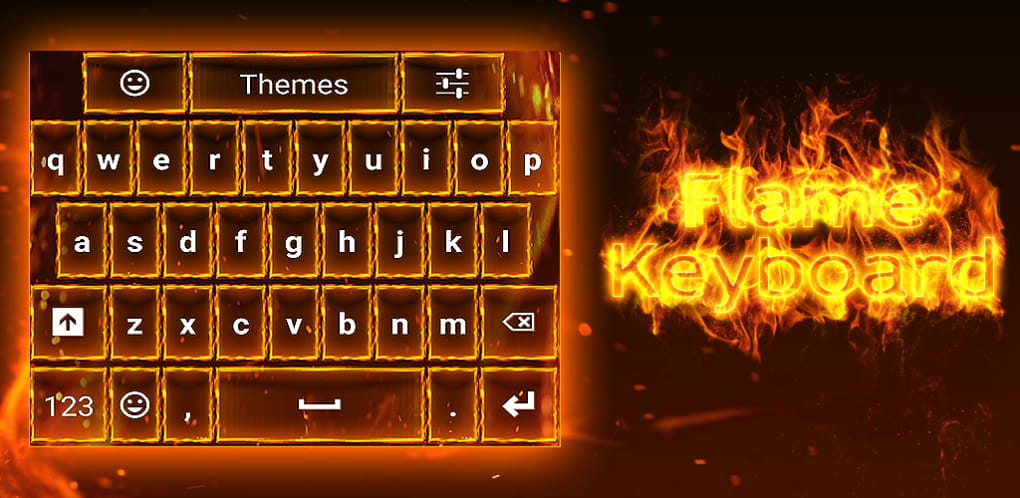
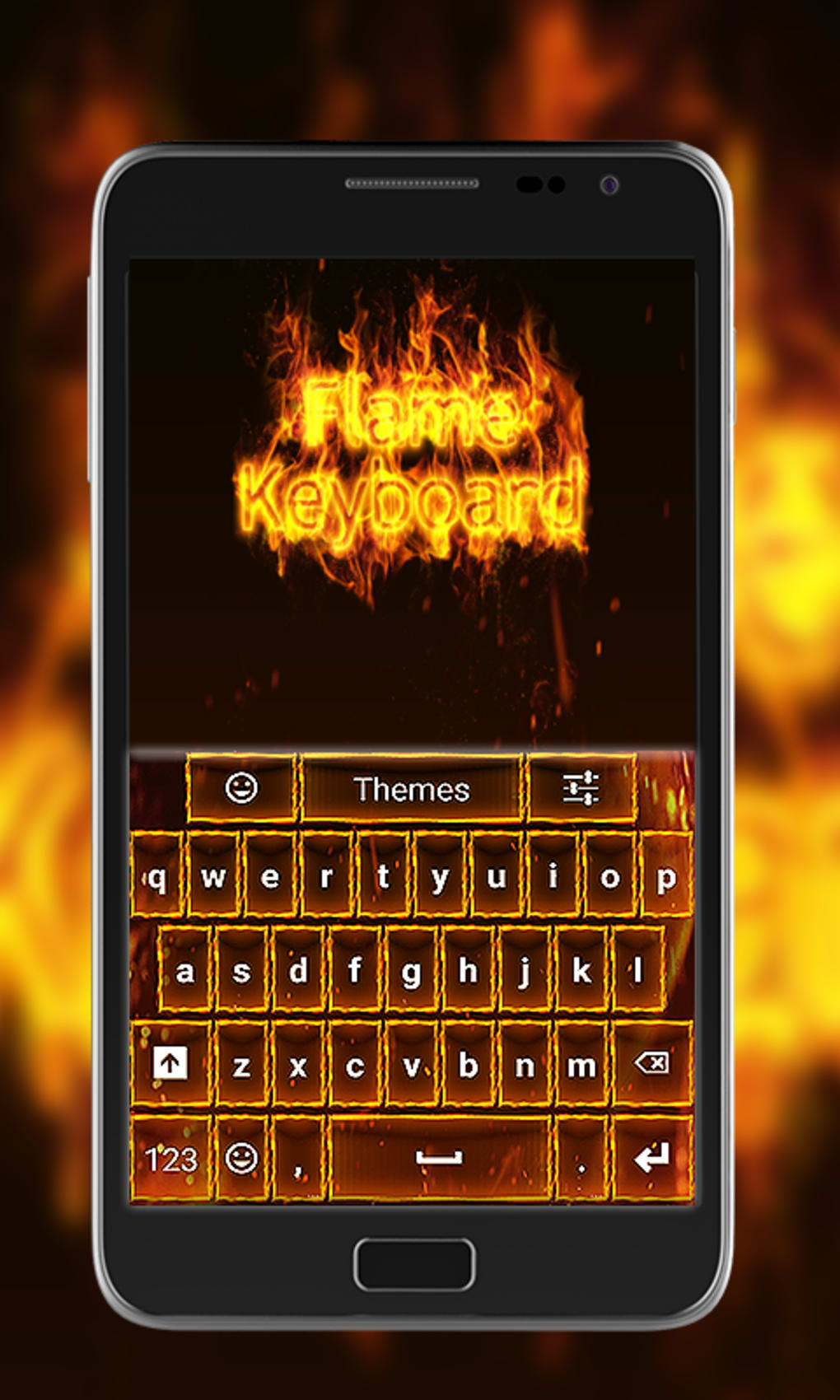
- Stylish Design Interface – Flame Keyboard features a distinctive visual layout that transforms the standard keyboard into a modern, eye-catching tool. The design is tailored to stand out, offering users a fresh and personalized experience when typing.
- Customization Options – Users can modify colors, themes, and keyboard layout to match their personal preferences. This level of adaptability allows for a unique interface that reflects individual style.
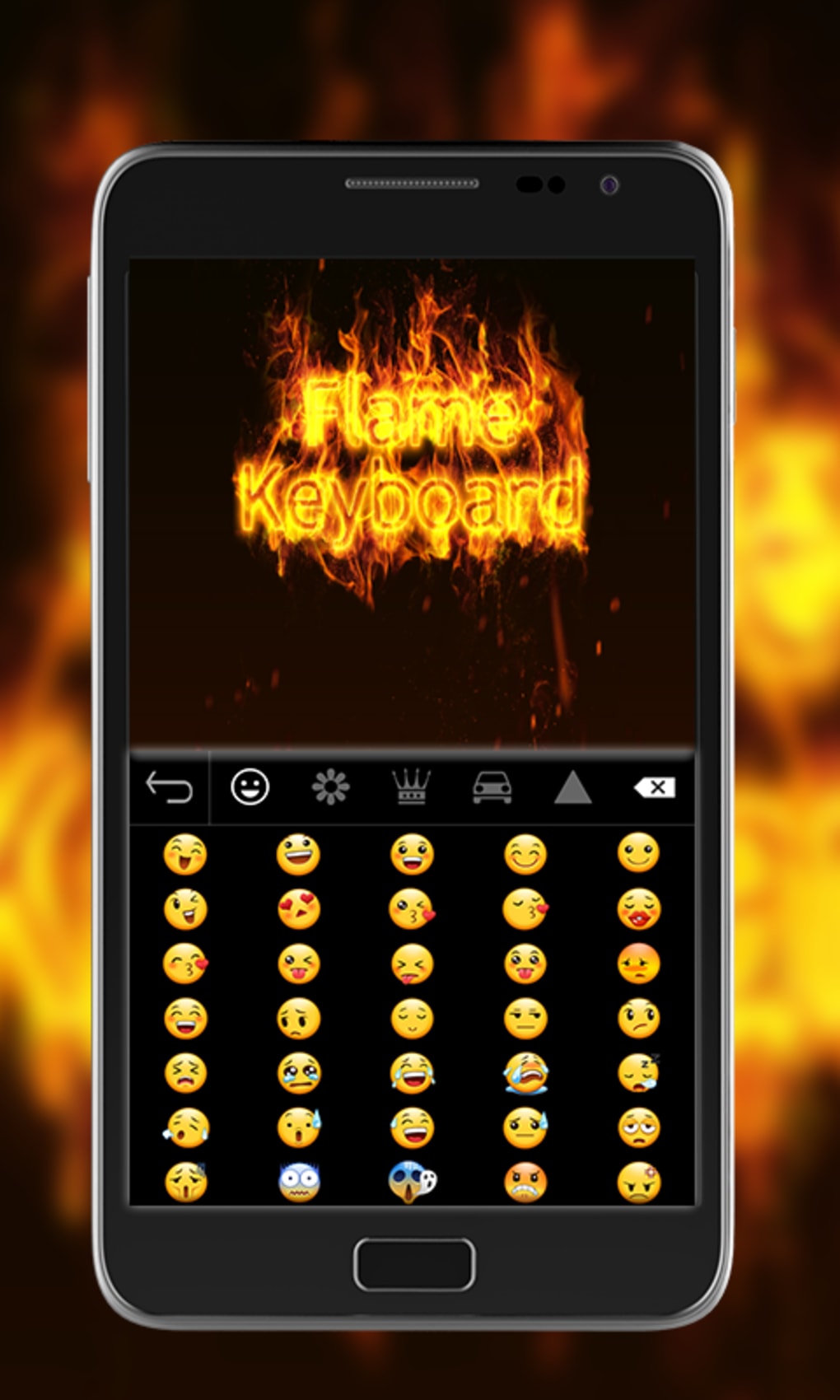
- Custom Emoji and Sticker Integration – The keyboard supports the addition of user-created emojis and stickers, enabling personalized expression in messaging.
- Auto-Correct Functionality – Built-in spell-checking helps prevent common typing errors, improving overall message accuracy.
- Multi-App Compatibility – Works seamlessly with popular messaging apps such as WhatsApp, Facebook Messenger, and Instagram, ensuring consistent performance across platforms.
- Lightweight Performance – Designed to operate efficiently without consuming excessive system resources, maintaining device responsiveness.
These features are particularly beneficial for users who value both aesthetics and efficiency in their daily digital interactions. The ability to tailor the keyboard’s appearance and functionality makes it ideal for social media enthusiasts, content creators, and anyone looking to personalize their mobile experience.
User Interface, Workflow & Performance
The user interface of Flame Keyboard is designed with simplicity and visual appeal in mind. Navigation is intuitive, allowing users to access customization settings through a straightforward menu system. The keyboard layout is responsive, adapting smoothly to different screen sizes and orientations.
Typing workflow is optimized for speed and accuracy, with minimal latency during key presses. The auto-correct feature activates in real time, suggesting corrections without disrupting the typing rhythm. Performance observations are based on general software behavior patterns, as no specific benchmarks were provided.
The developer did not specify resource usage details, but the app is described as lightweight and fast. Stability is maintained through regular updates, which help prevent crashes and ensure compatibility with new OS versions. The keyboard operates efficiently in the background, minimizing interference with other applications.
Users can expect a consistent experience across sessions, with no reported performance degradation over time.
Compatibility & System Requirements
Flame Keyboard is designed for Android operating systems and is compatible with devices running the specified OS. The software version is 1.0.5, with an installation size of 22.4 MB. The developer did not provide additional system requirements, including minimum RAM, CPU, or storage specifications.
Compatibility information is limited to the supported platform, and no details were shared about hardware-level dependencies. The software is intended to function across various screen sizes, indicating broad device support. However, exact performance on older or low-end models was not specified.
Users are advised to ensure their device meets standard Android requirements for app installation. The app is available for download via the Google Play Store or the official website, ensuring accessibility for a wide audience.
Pros and Cons
Pros
- Free to download and use with no ads or malware
- Stylish and customizable interface for personalization
- Compatible with major messaging apps including WhatsApp and Instagram
- Lightweight and fast, minimizing impact on device performance
- Regular updates ensure ongoing functionality and security
- Supports custom emojis and stickers for enhanced expression
Cons
- Exact system requirements were not listed
- Performance details such as CPU or RAM usage were not specified
- Compatibility with iPhone devices is mentioned but not confirmed
- Limited information on offline functionality
- No details on cloud sync or backup features
FAQ Section
Is Flame Keyboard compatible with iPhone devices?
The software is designed for Android platforms. While the developer mentions compatibility with iPhone devices, no specific details were provided to confirm this functionality.
Is Flame Keyboard safe to download and use?
Yes, the developer states that the app is free of ads and malware. It is available through the Google Play Store and the official website, both of which are trusted distribution channels.
How often is Flame Keyboard updated?
The app is updated regularly to ensure proper functionality and to introduce new features. The latest version is 1.0.5, released on April 1, 2024.
Does Flame Keyboard require an internet connection?
The keyboard operates with basic functionality offline. However, some features such as auto-correct and theme updates may require internet access for optimal performance.
Can I use Flame Keyboard with email and social media apps?
Yes, the keyboard is compatible with a wide range of applications, including email clients and social media platforms, allowing for consistent use across different services.
Final Thoughts
Flame Keyboard offers a compelling blend of style, functionality, and accessibility for Android users seeking a personalized typing experience. Its free model, combined with a sleek design and robust customization options, makes it a strong contender in the custom keyboard space. The inclusion of auto-correct and support for major messaging apps ensures practicality alongside aesthetics.
While detailed system requirements and performance metrics are not available, the lightweight nature and regular updates suggest a well-maintained application. Users who value both visual appeal and efficiency will find this tool particularly beneficial. For those looking to refresh their mobile typing interface with minimal effort, Flame Keyboard delivers a reliable and secure solution.
Download Flame Keyboard now.





.png)

